01
Write the creative brief
Define the image job: format, audience, references, exact text, what must stay unchanged, and what can be invented.
Muse Image is the first image generation model from Meta Superintelligence Labs. This page summarizes what it does, where it is available, and why its agentic workflow matters for creators, marketers, and builders.
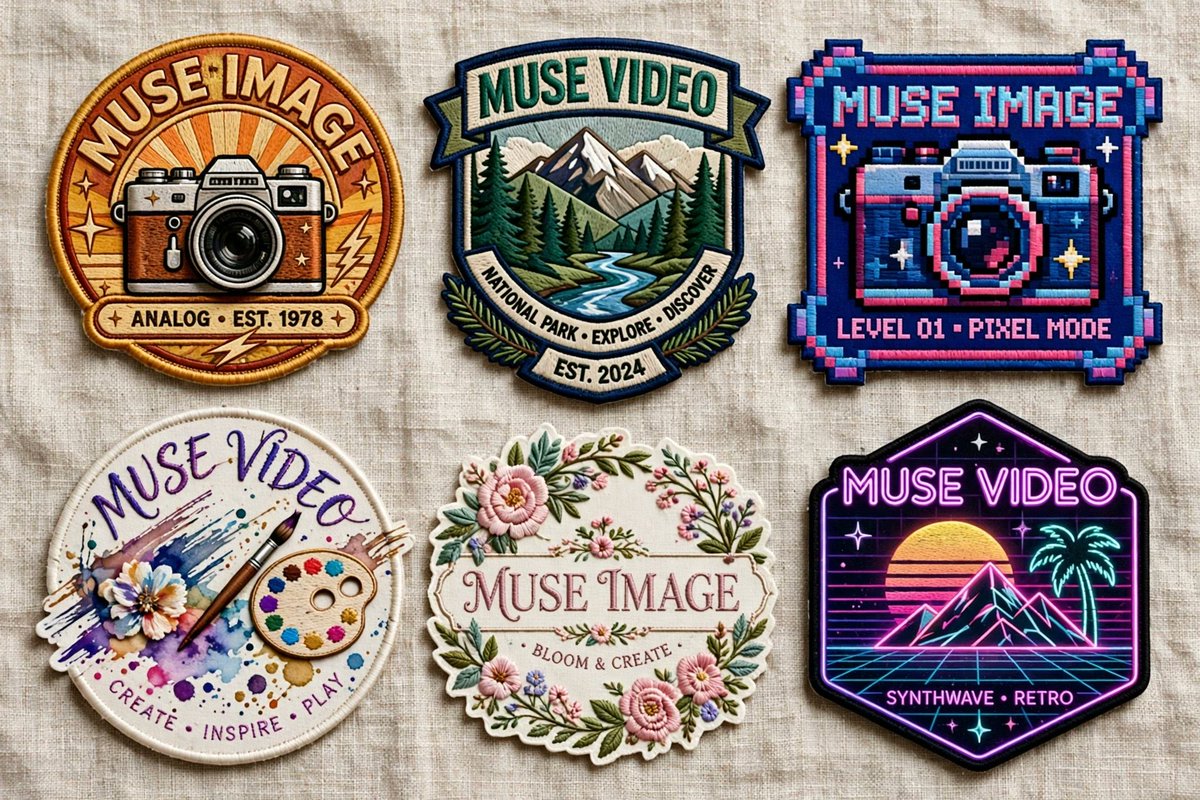
Muse Image
Meta AI image model brief
Prompt concept
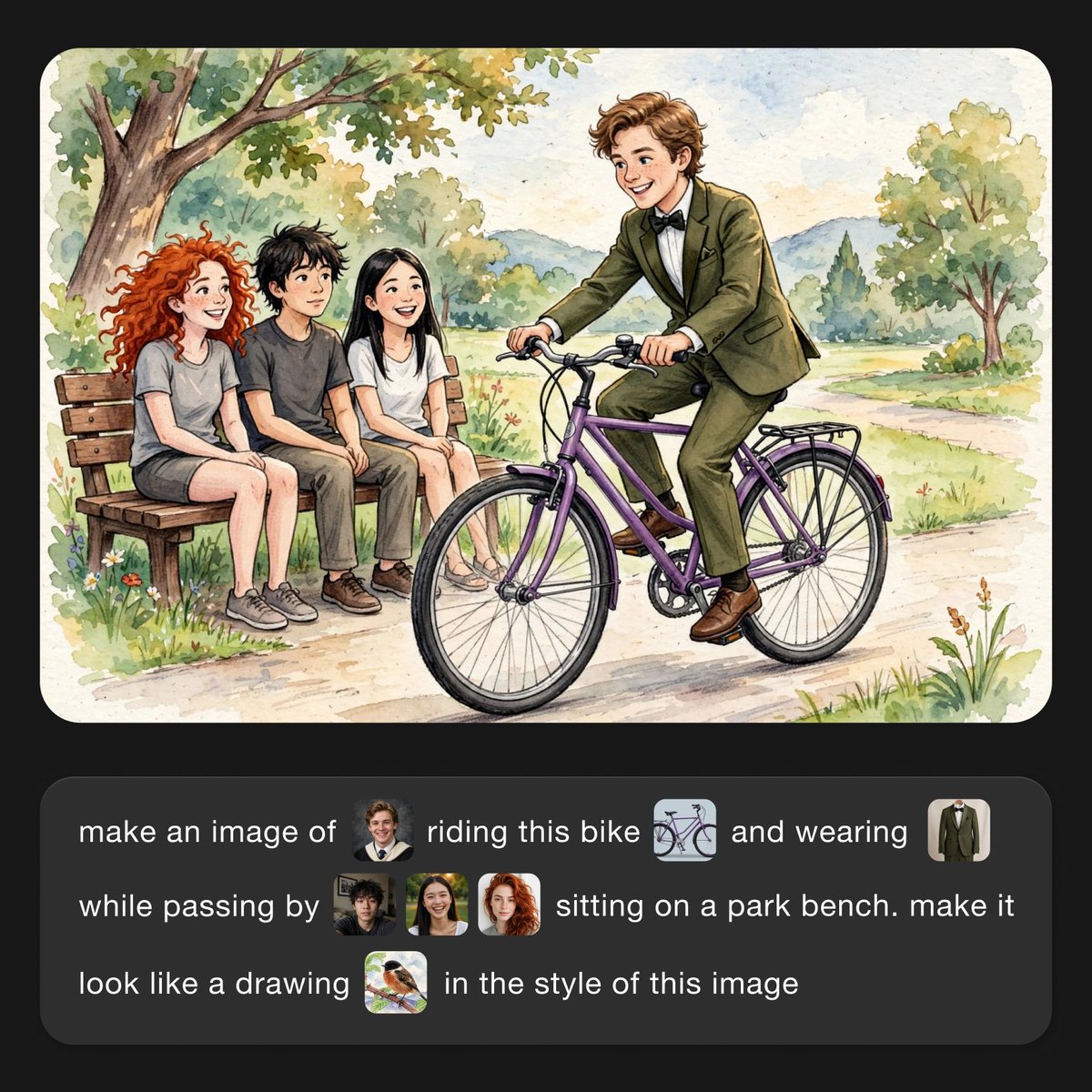
Create a polished campaign image from three references: keep the product exact, add clean headline text, and match the Instagram story format.
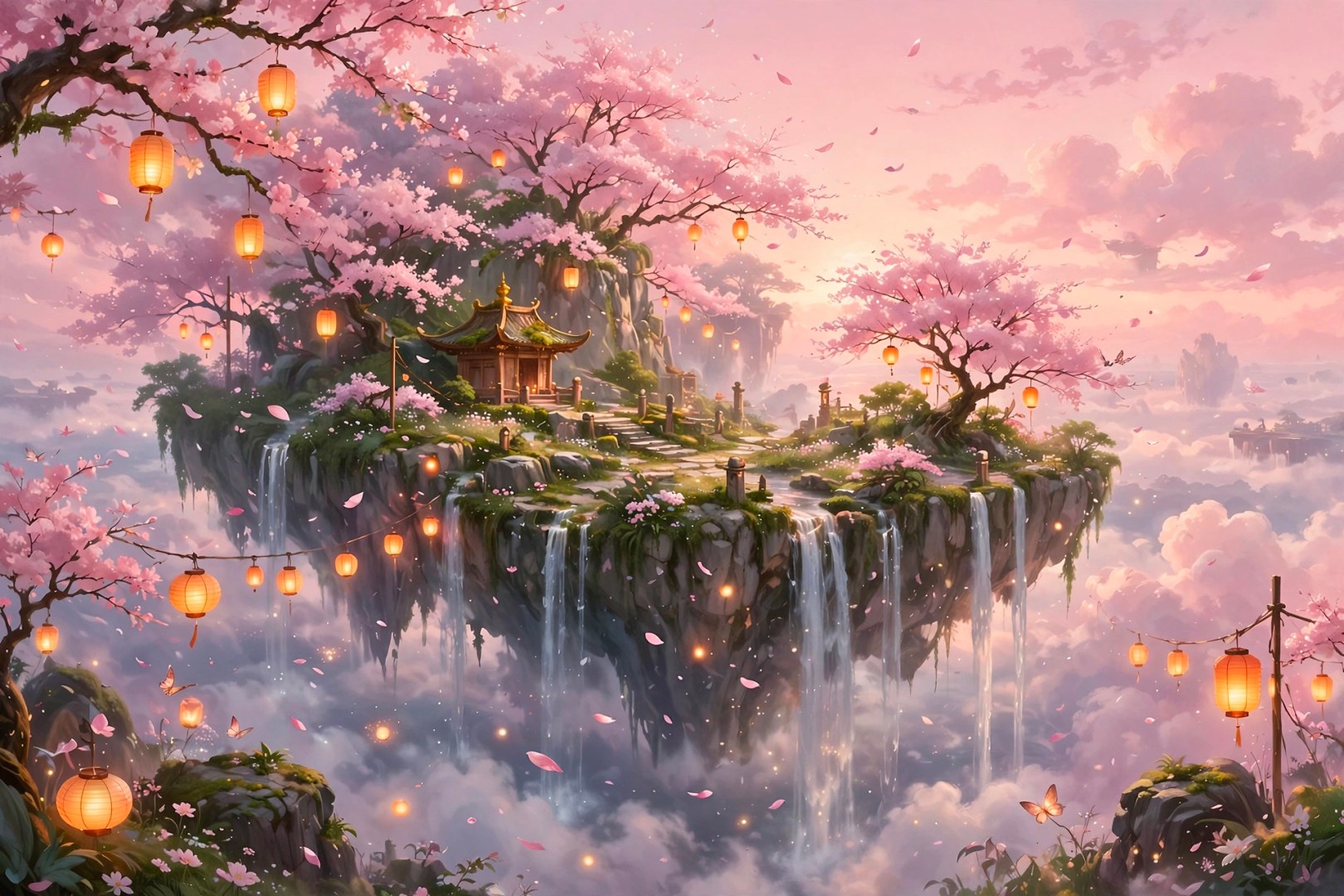
Turn a prompt and up to ten reference images into polished image generations for product concepts, campaign scenes, social posts, and visual edits.
Input
Prompt-first image generation with optional reference images.
Mode
Result
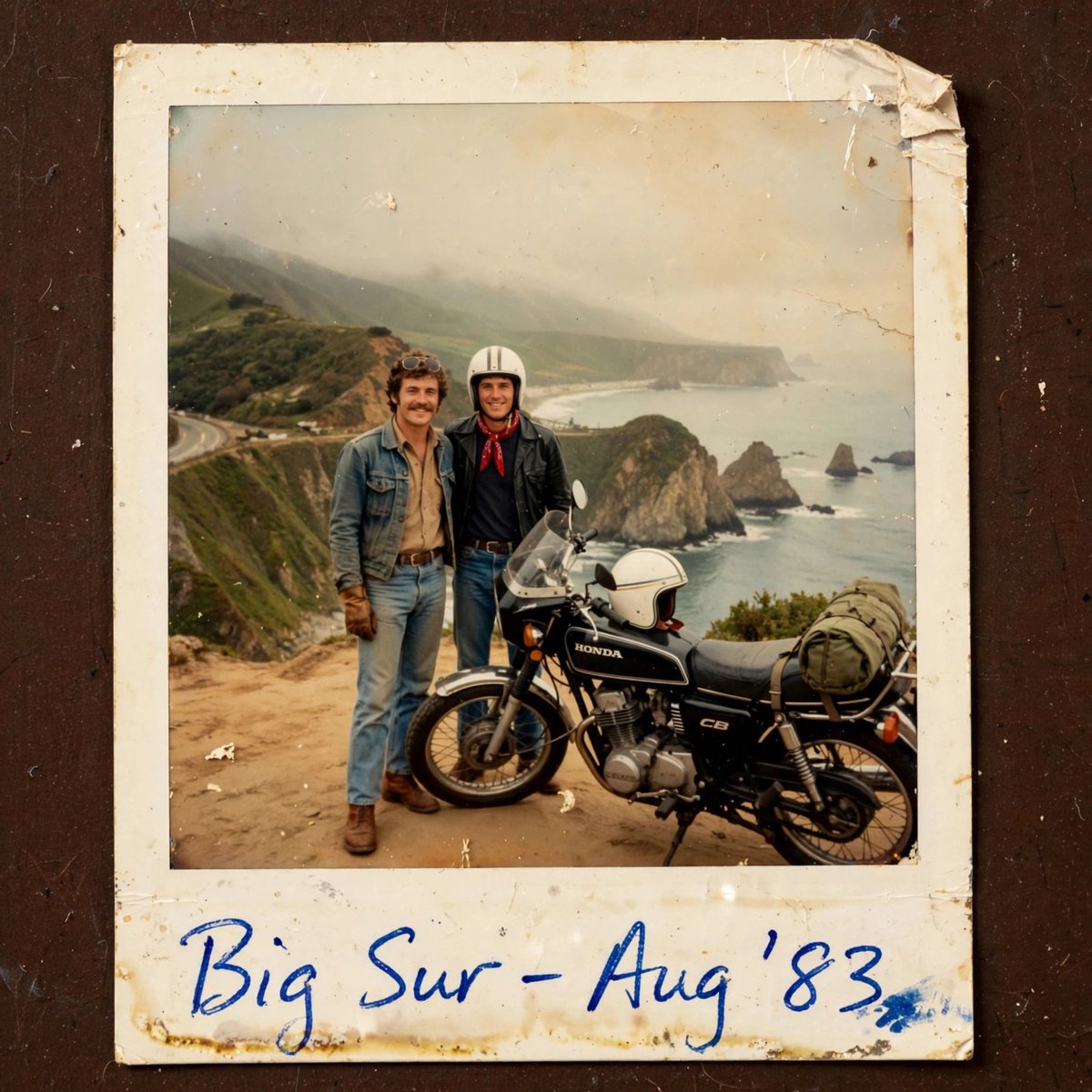
Generated images are saved to your history.
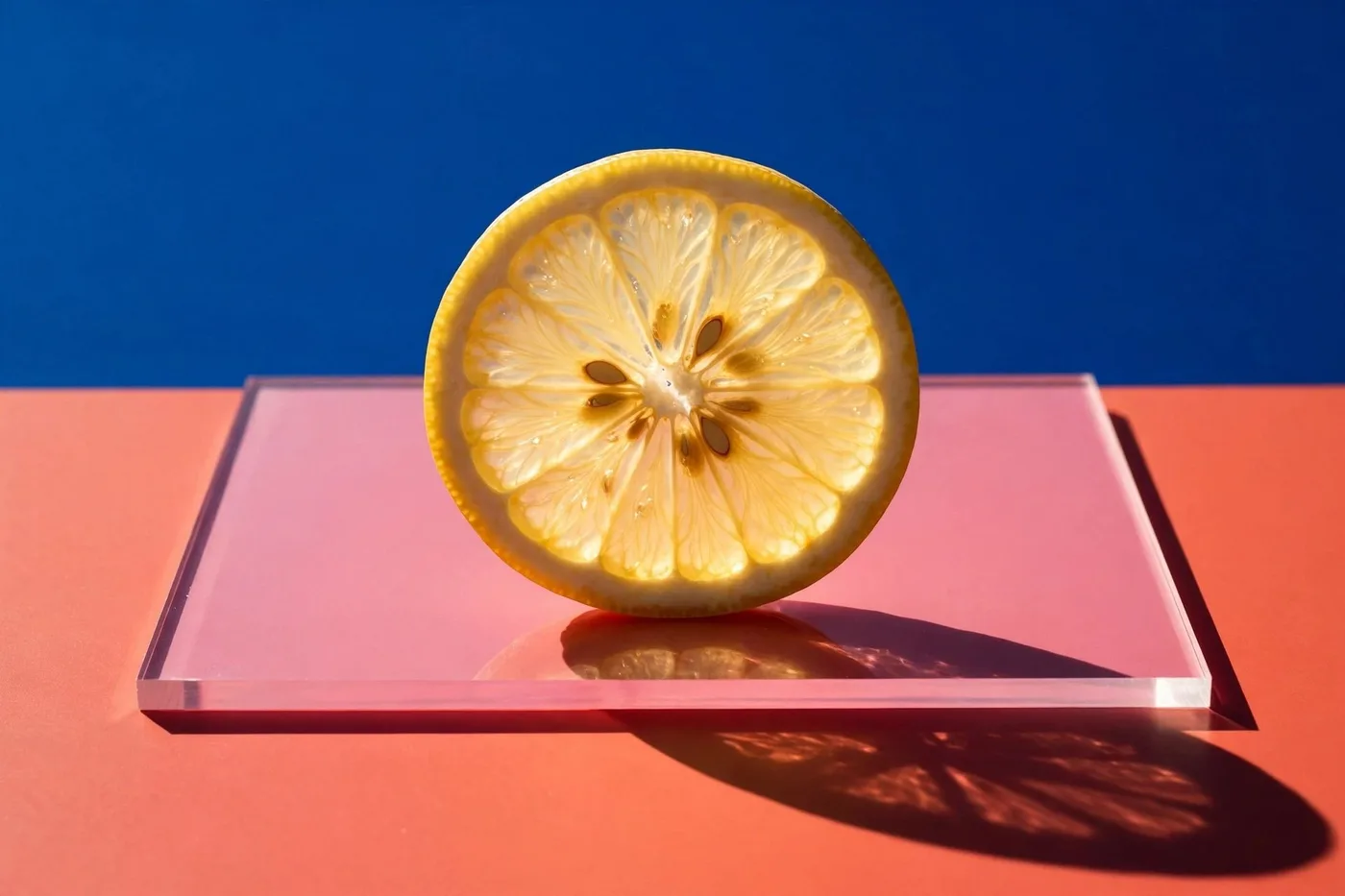
History
Your recent Muse Image generations.
How to read it
Muse Image is best understood as a consumer-first, agentic image model inside Meta products. Start from a visual brief, add references when useful, refine the target area, then judge the result by fidelity, text quality, social fit, and permission risk.
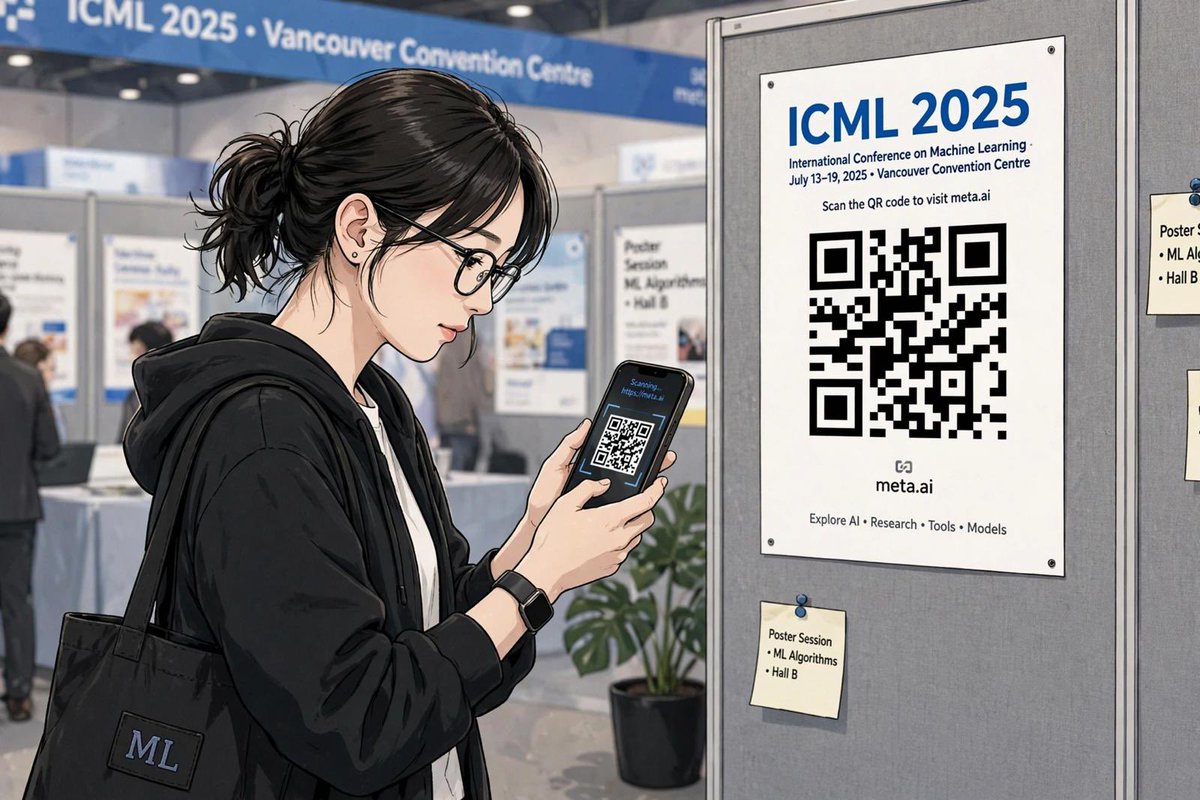
Describe subject, style, layout, camera feel, exact text, and where the image will be shared.
Use references for people, products, rooms, objects, or style, then check whether the result preserves the right identity and details.
Muse Image is positioned around precise edits, including circle-and-scribble style changes without rebuilding the entire image.
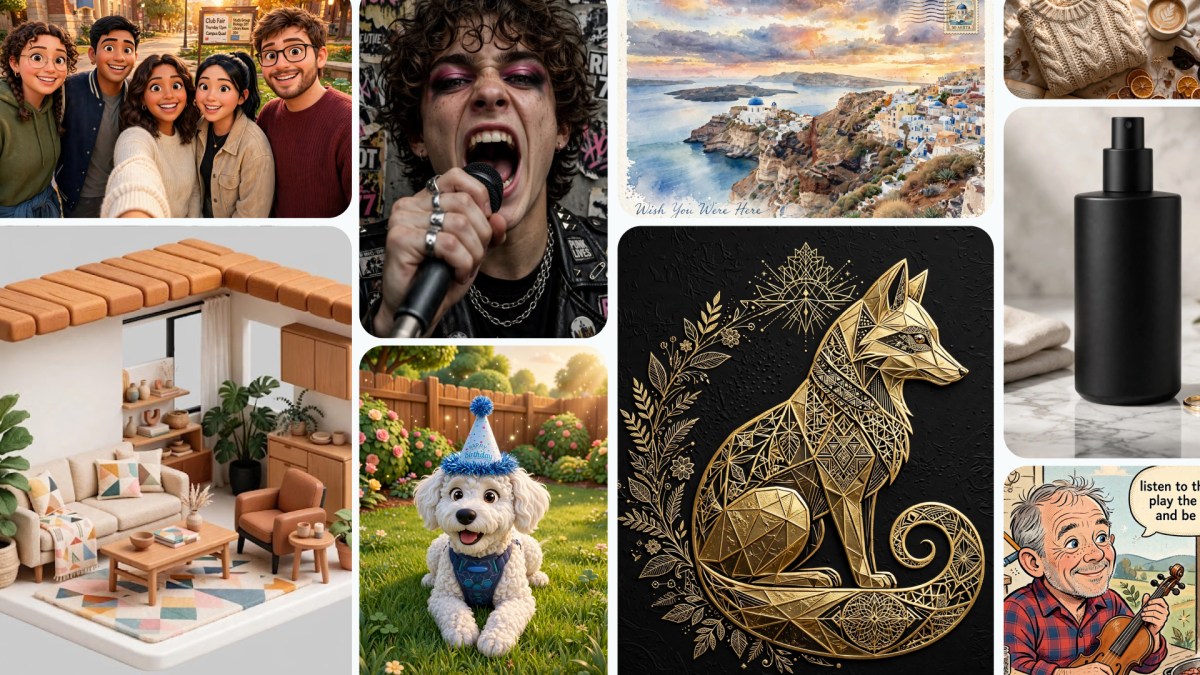
Check text rendering, factual details, likeness consent, brand safety, and whether the output fits Meta AI, Stories, WhatsApp, or ads.
Evaluation formula
Visual brief + reference images + layout/text requirements + edit target + sharing context + rights check.
Workflow shift
Muse Image matters because image generation is moving into the apps where people already chat, post, share, and test creative ideas.
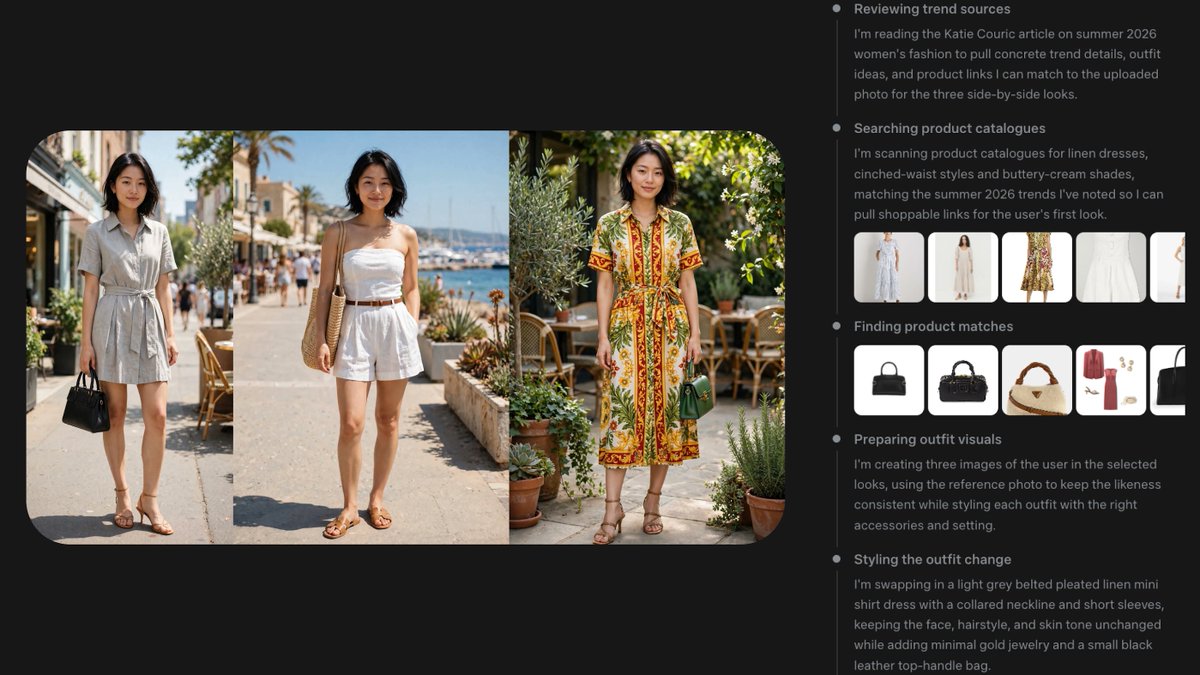
Define the image job: format, audience, references, exact text, what must stay unchanged, and what can be invented.
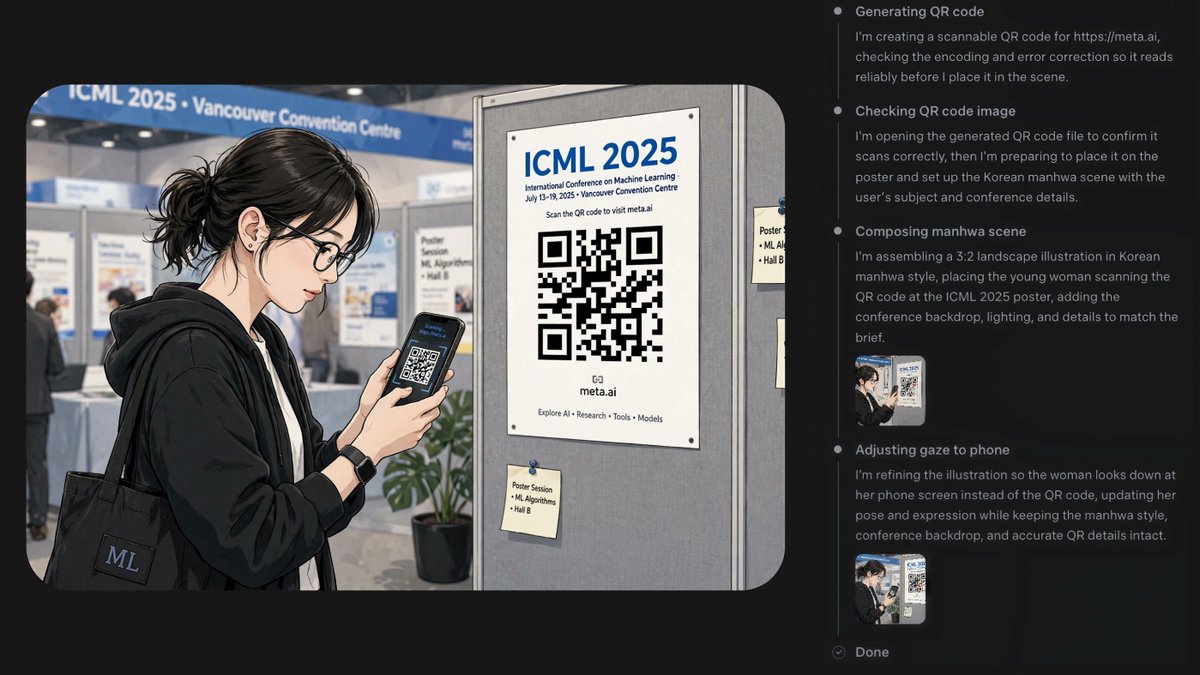
The model is described around instruction following, tool use, multi-reference composition, and self-review before final output.
Evaluate the result for Instagram Stories, WhatsApp chats, Meta AI web use, campaign drafts, or internal creative review.
Muse Image capabilities
The core story is not only better pictures. It is agentic generation, social context, reference-aware composition, and direct distribution through Meta surfaces.
No public API
current access is through Meta product surfaces, not a documented developer API
Muse Video
previewed from the same media-generation direction, with native audio ambitions
Muse Image is presented as more than a diffusion-only flow: it can reason over a prompt, use tools, search, render structured elements, and revise its own output.
Blend people, products, objects, environments, and visual styles from several references while trying to preserve the details that matter.
Circle, mark, or describe a target area and ask for a specific change, such as replacing decor, adjusting clothing, or adding a product detail.
The launch messaging emphasizes faithful instruction following, better in-image text, and more reliable factual or layout details.
Where it matters
The biggest difference is distribution: generation happens close to messaging, stories, sharing, and eventually creative optimization.
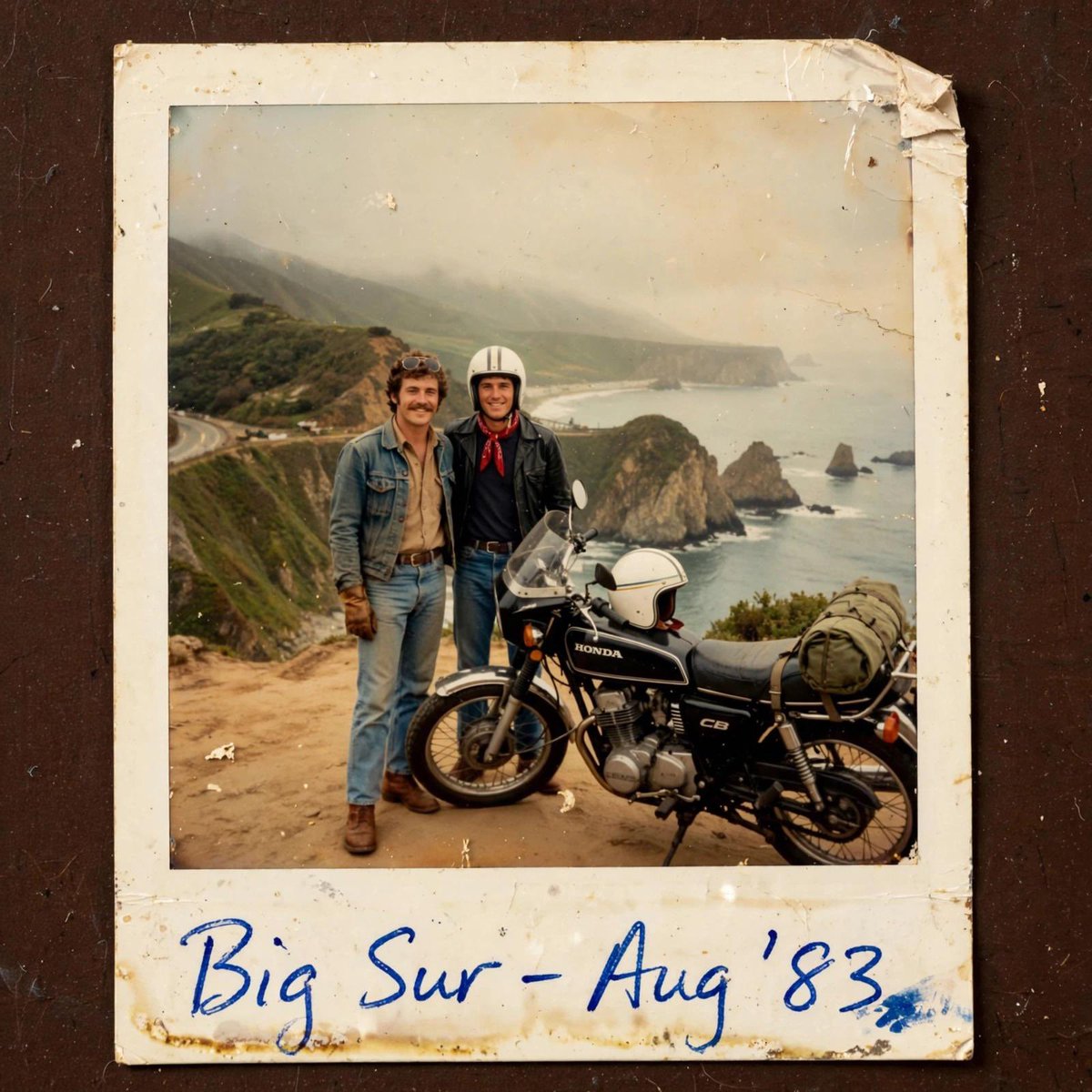
Turn a trend, photo, or idea into story-ready visuals without leaving the Meta apps where the post will live.

Prototype product scenes, ad concepts, seasonal variants, and creator-style assets before sending them into a heavier design pipeline.
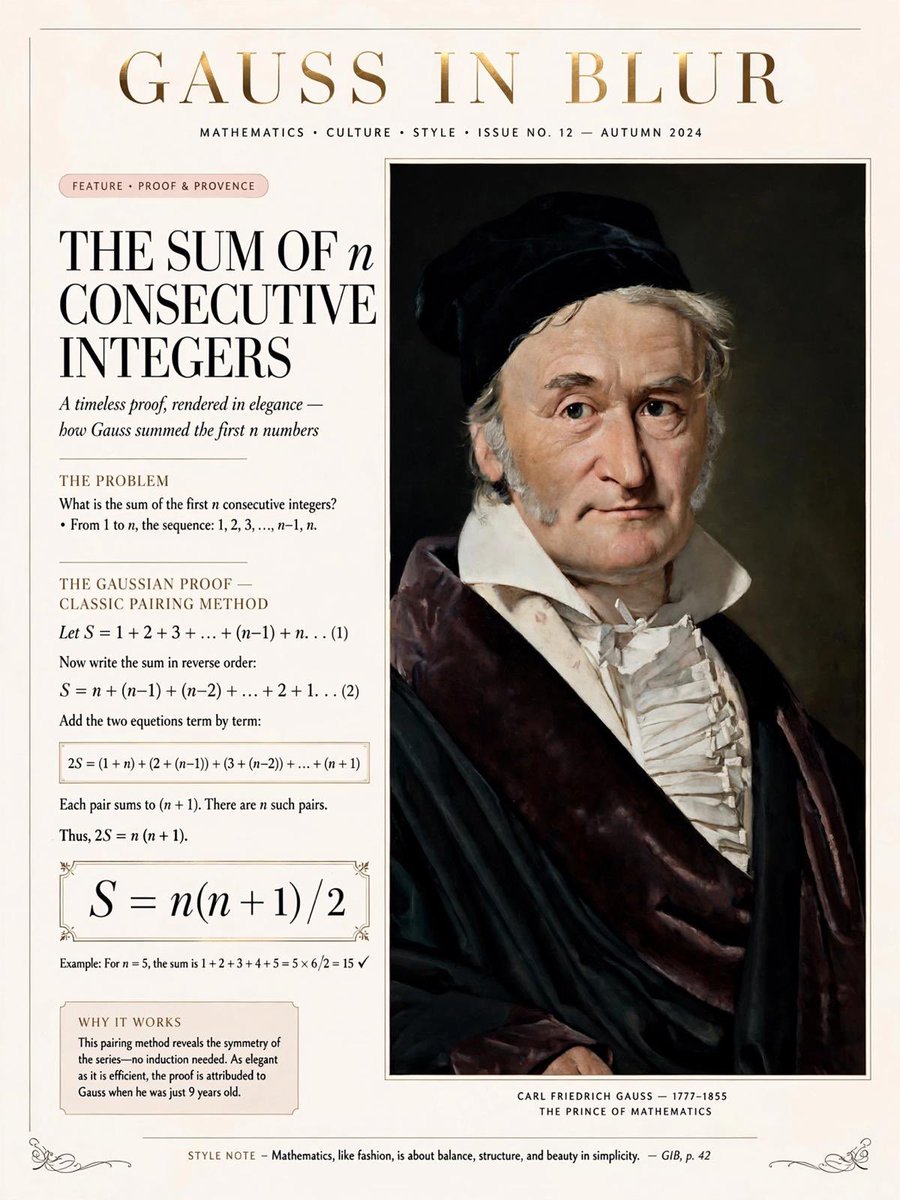
Explore character looks, environments, props, mood boards, and reference combinations for early creative direction.
Create quick diagrams, illustrated examples, social cards, or educational visuals when text alone is too slow to scan.
Detailed visual brief with exact text and layout constraints
People, products, rooms, objects, and style cues
Targeted changes without restarting the whole image
Pricing
Subscribe for the best value, or buy credits when you need a flexible top-up. Every plan supports prompt-based image generation with reference images.
For light testing, prompt experiments, and personal image projects.
150
credits
30
image generations
For creators who generate product, social, and campaign visuals every week.
360
credits
72
image generations
For high-volume production, teams, agencies, and frequent generation.
900
credits
180
image generations
Muse Image FAQ
Clear answers about access, workflow, capabilities, and the current limits of Meta’s new image model.
Use this page as a concise guide to Muse Image capabilities, availability, social workflows, and the open questions around rights, safety, and developer access.